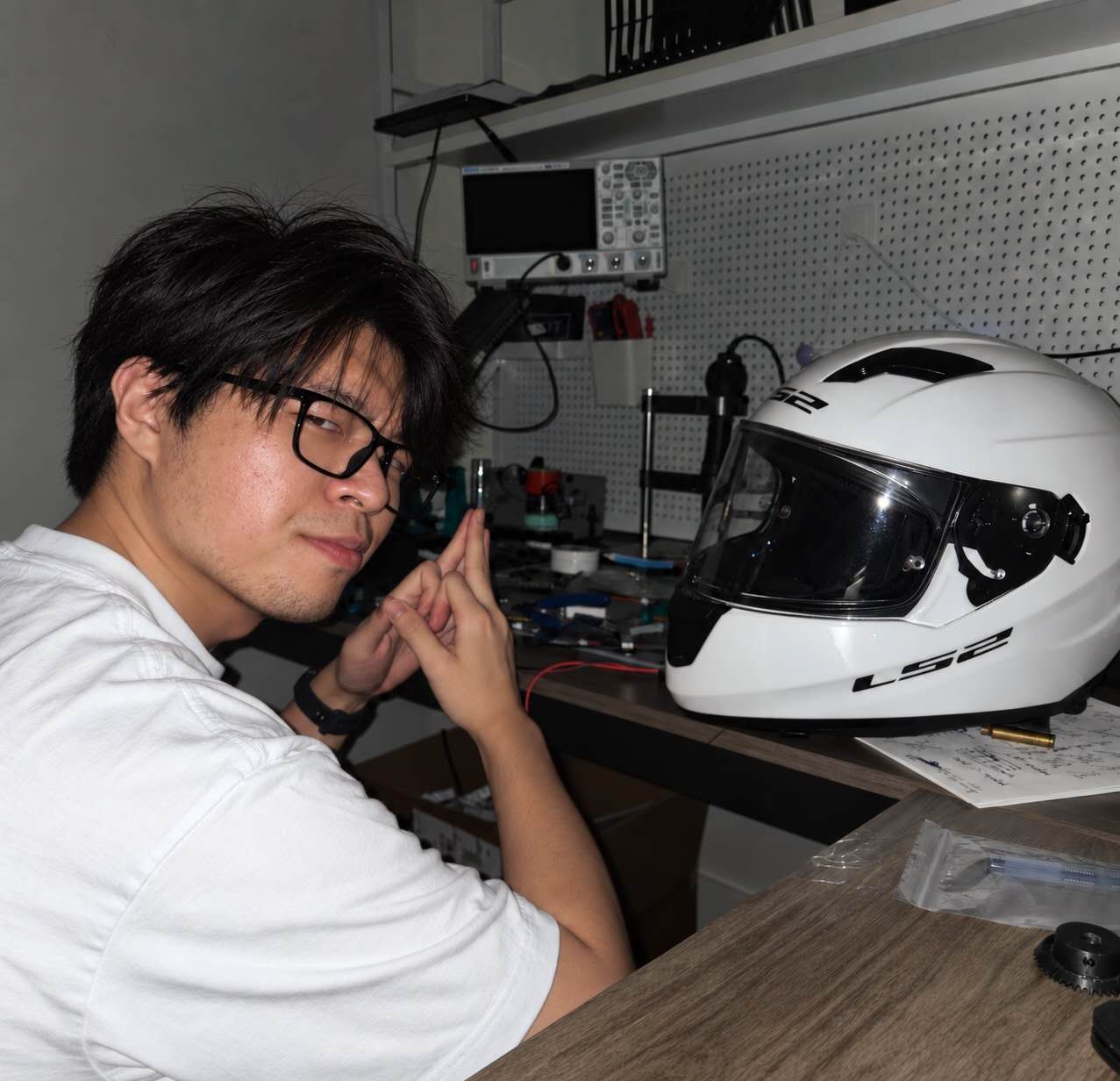
Haoxian Yan at a lab workbench

Haoxian Yan

Hardware designer. Power electronics at UCLA.

I design power electronics — high-frequency DC–DC converters and the voltage regulator modules that feed AI datacentre silicon. Converters, magnetics, control loops, boards.

Most of what you can actually click on this page is software, which is largely an artefact of the medium: a repository hosts a web app far better than it hosts a board layout or a bench measurement. The software is real work and I stand behind it — but hardware is the discipline I actually practise.

UCLA PEEC Lab Los Angeles, CA Converters · magnetics · PCB design github.com/RustColeone
Research

Converter control for datacentre power

Modern processors slam their current draw up and down faster than a conventional linear controller can respond, and the voltage rail sags before the loop catches up. That gap is what I work on.

Fast-Response Variable-Frequency Series-Capacitor Buck VRM Through Integrated Control Approaches

Guanyu Qian, Haoxian Yan, Xiaofan Cui

  • IEEE COMPEL 2025
  • Control & Modeling for Power Electronics
  • arXiv:2507.10086
What the paper does

Series-capacitor Buck converters are attractive for point-of-load regulation but awkward to control: the added capacitor makes the small-signal behaviour messier, and running the converter at variable frequency makes it messier still. A linear controller tuned for stability is necessarily slow on large transients.

The paper proposes an integrated control scheme that runs a linear and a nonlinear controller together. The linear loop handles steady-state regulation and disturbance rejection; the nonlinear loop takes over on large load steps, using time-optimal control derived from Pontryagin's Maximum Principle over a discrete-time model of the converter.

The headline result: on a heavy load step-up, output voltage recovery is over ten times faster than a linear-controller-only design in simulation. Hardware measurements confirm stable disturbance rejection.

2026 ECCE oral presentation slide: A Configurable Slew-Rate Multiphase Buck Regulator for Fast Dynamic Voltage Scaling, by Guanyu Qian, Haoxian Yan and Xiaofan Cui
2026 ECCE presentation slide — dynamic voltage scaling for point-of-load regulators.
Photos

Classroom moments

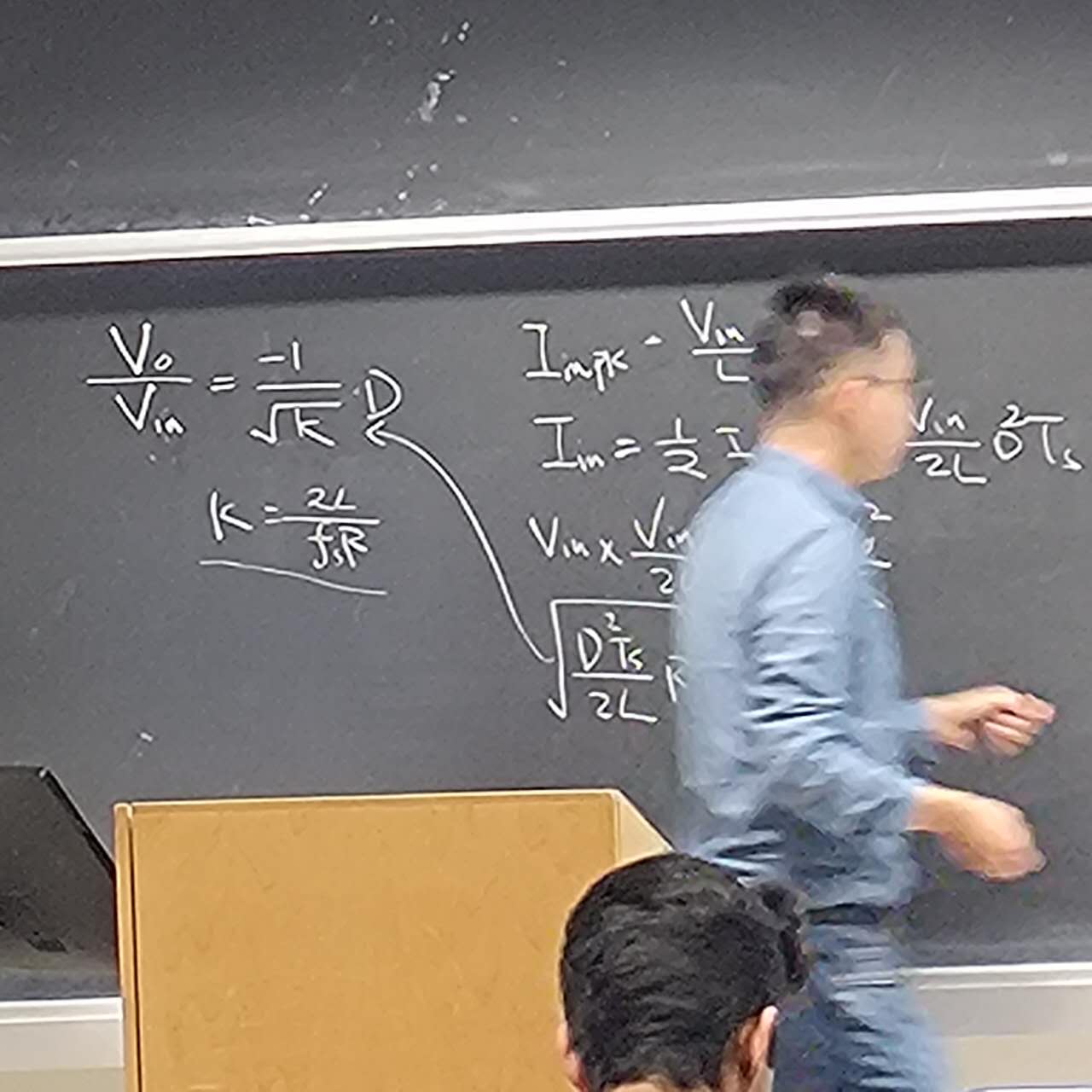
Professor Xiaofan Cui teaching at a chalkboard
Prof. Xiaofan Cui
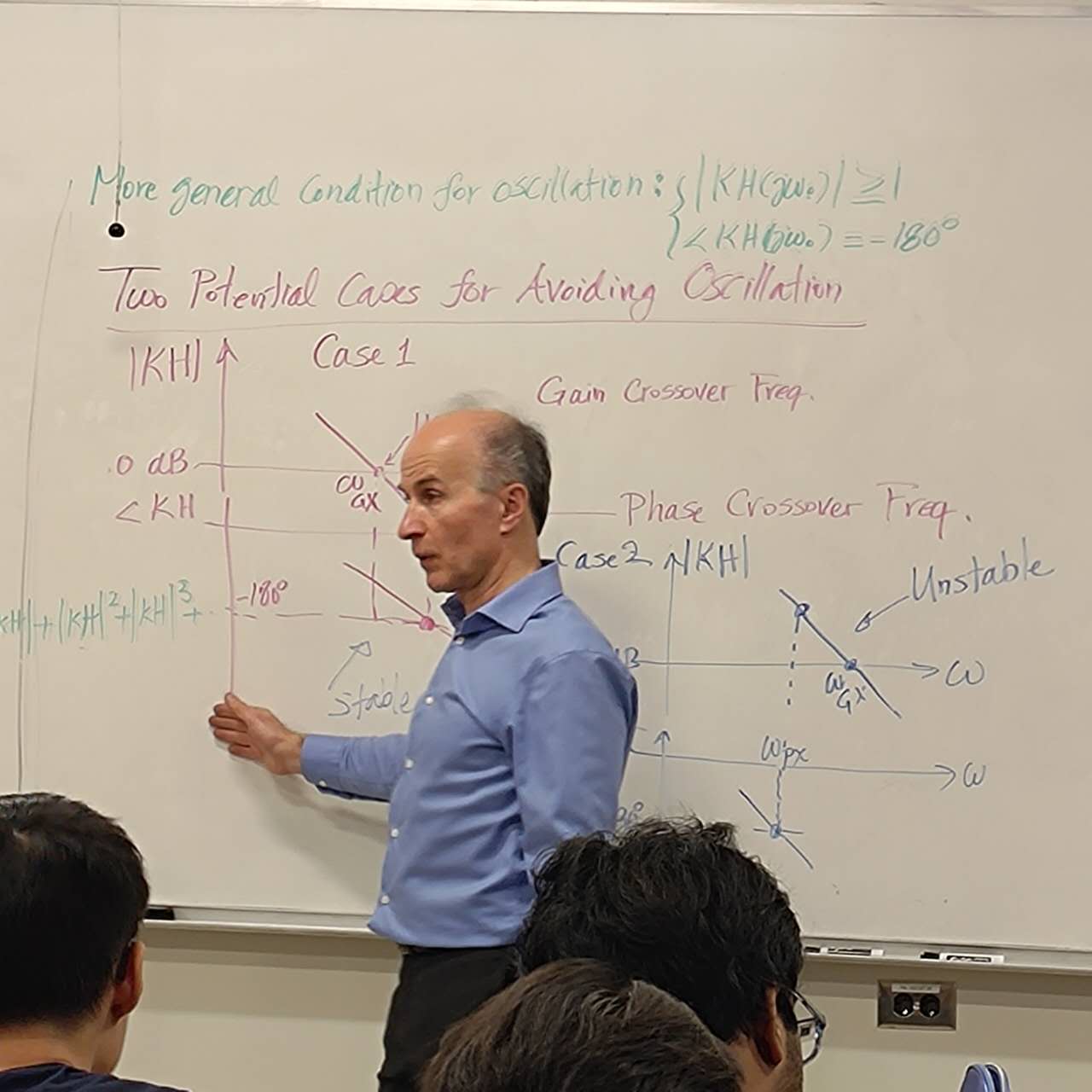
Professor Razavi explaining a circuit at a whiteboard
Prof. Razavi
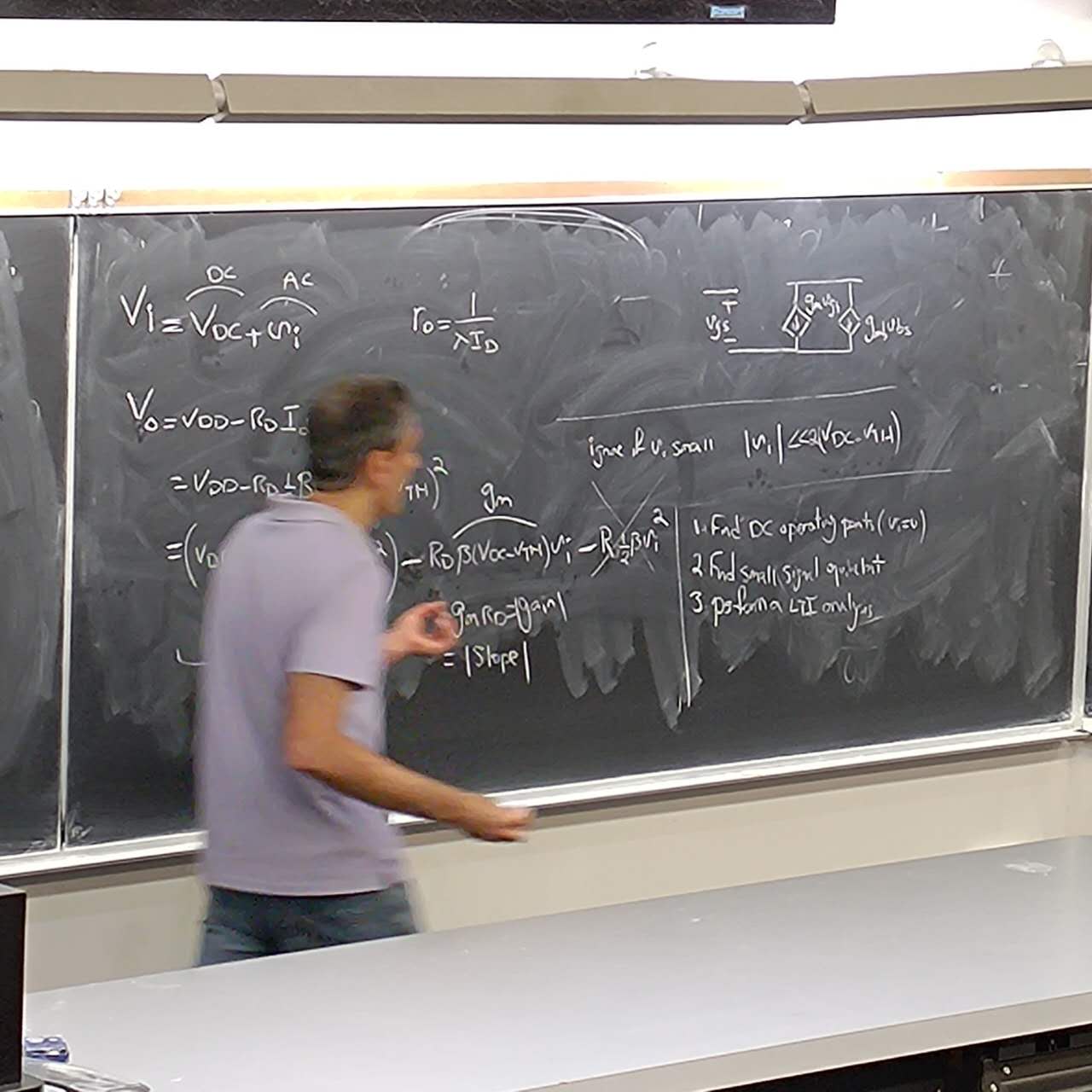
Professor Hooman Darabi teaching circuit equations at a chalkboard
Prof. Hooman Darabi
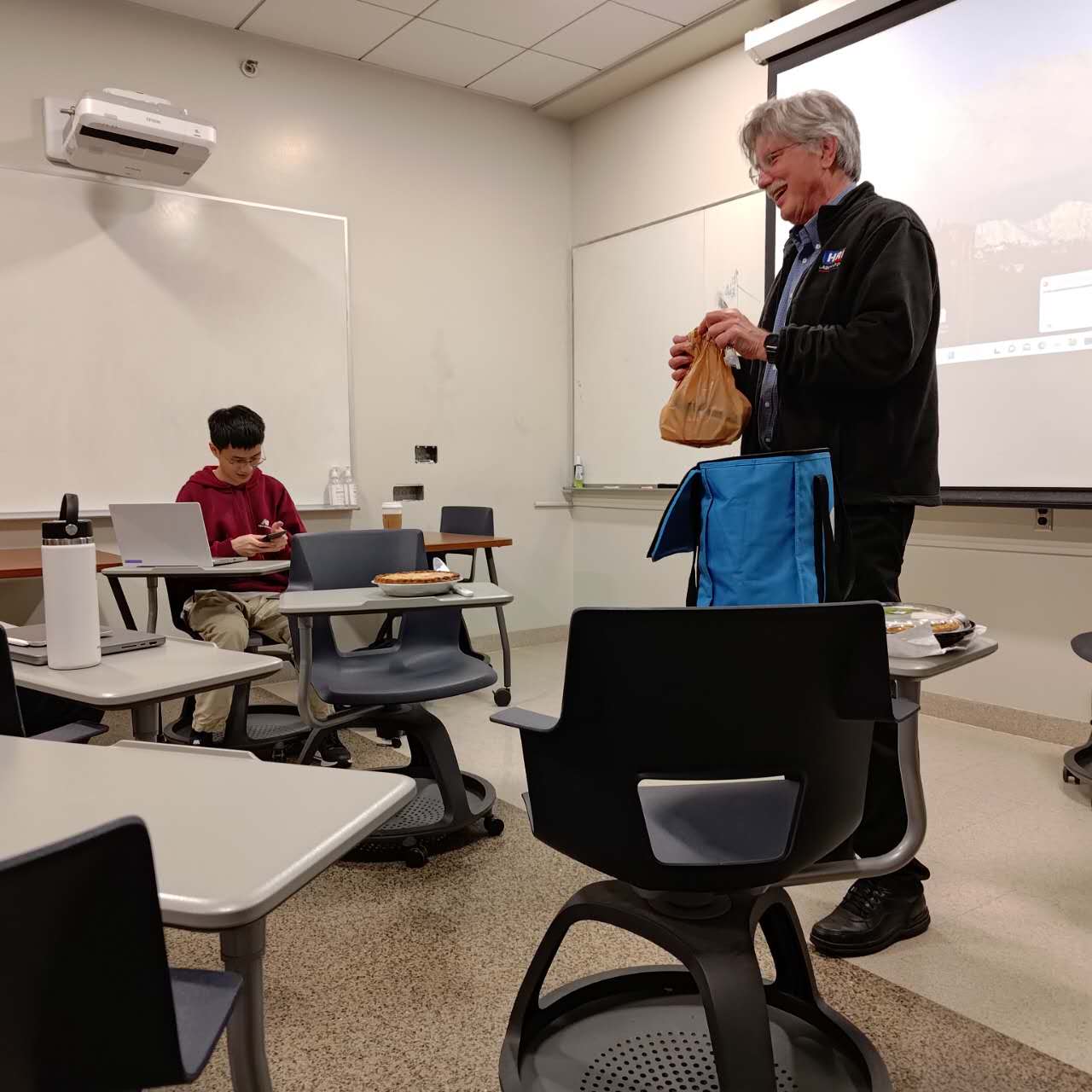
Professor Marko Sokolich speaking in a classroom
Prof. Marko Sokolich
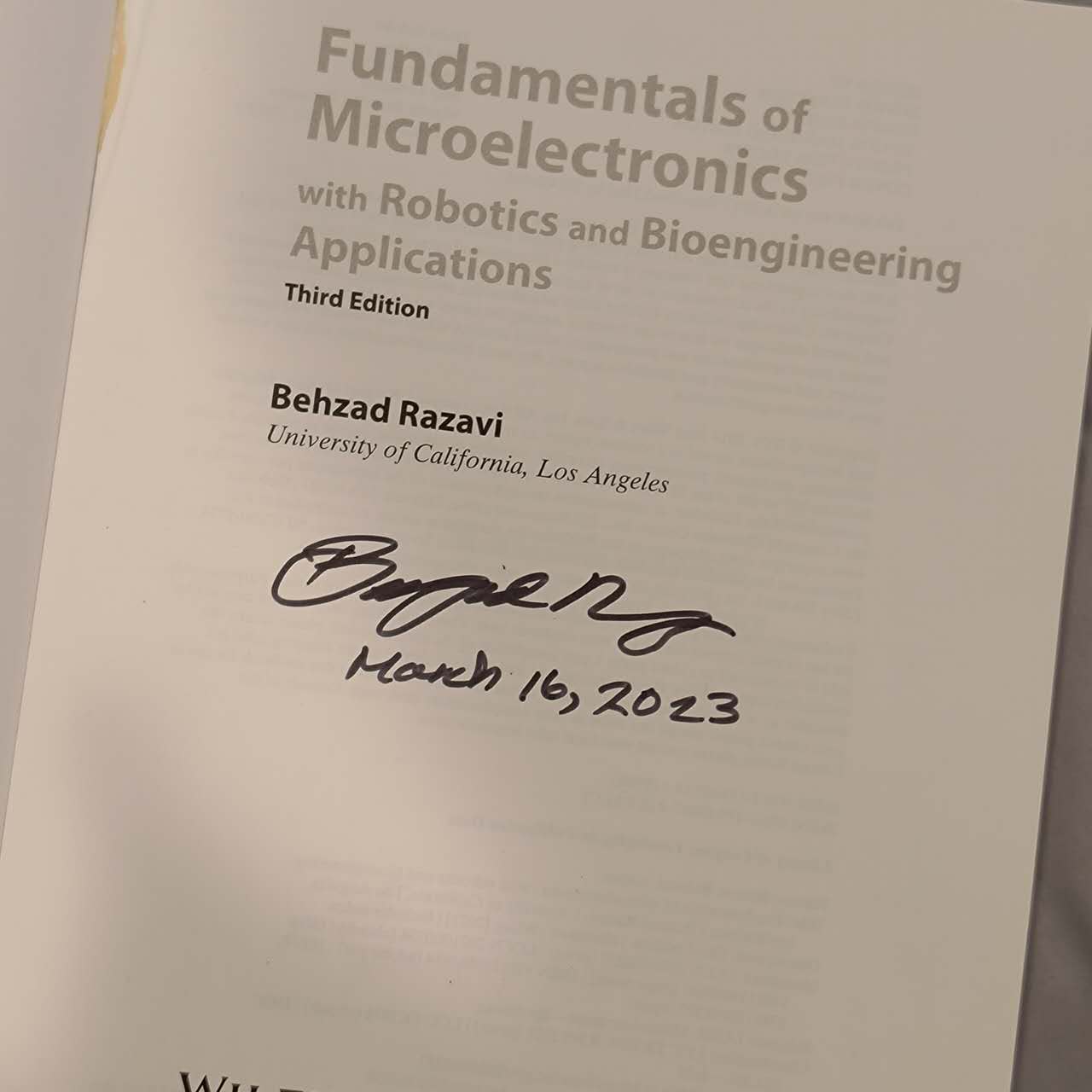
Title page of Fundamentals of Microelectronics signed by Behzad Razavi
A signed copy of Fundamentals of Microelectronics from Prof. Razavi.
UCLA PEEC Lab

Web toolkit

I build and maintain tools for the lab's public web toolkit — calculators and guides for the small, repetitive numbers that come up constantly in circuit and board design. Wire gauges. Trace widths. Core sizing. The resistor colour band you have looked up four hundred times and still cannot recall.

Calculators

All client-side · no accounts · nothing you type leaves the browser

Why it exists

Every lab accumulates a pile of half-trusted spreadsheets and bookmarked calculators of unknown provenance. Consolidating them into one maintained, openly readable place means the whole group works from the same assumptions — and anyone outside the lab gets the same tools for free.

The whole thing is a static site: no backend, no accounts, no submitted values leaving the browser. That is a privacy property, but mostly it is a durability property — a static page keeps working long after whoever wrote it has graduated.

Apps

Software I build outside the lab

These take up most of the page because they are the easiest thing to publish, not because they are the bulk of the work. They do follow the same instinct as the hardware: build it properly, own it end to end, and do not make it depend on someone else's server.

All local-first — they work offline, they need no account, and none of them run a cloud service I operate. The source is closed, but every one documents how it handles your data; that should not be a mystery just because the code is private.

ImageDB

  • Android
  • Web
  • v1.4.1

Local-first image vault

A private, searchable image database where you own every byte. Import images, label them with captions, albums and free-form tags, then search and browse them offline — no account, no ads, no developer-operated cloud.

Why I built it

Every gallery app makes one of two choices: sync everything to a cloud you do not control, or defer to the system media library and inherit its organisation model — which is to say, folders and a date. Neither lets you actually annotate a picture and find it again three years later by what is in it.

ImageDB is the third option. One HTML file, one SQLite database, one folder of image files, all on your device. The deliberate minimalism is the point: an archive you cannot open in ten years is not an archive.

Features

Ingestion — FAB add, hold-for-camera, drag & drop, paste, URL-linked images, Android share-sheet intake, and a batch import wizard with per-image and bulk field editing.

Books — multi-page collections from images, ZIP or PDF. Reader with scroll / left-to-right / right-to-left modes, per-page copy, save and share, and export as PDF or a paneled image.

Organising — albums, free-form tags with autocomplete drawn from every tag ever used, captions, live search, and filters by album, tag, type or date. A global Tag Manager renames or deletes tags library-wide.

Viewing — responsive grid with XS–XL card sizes and a time-grouped feed. Detail view is a swipeable card with a ghost preview sliding in from the side. Lightbox with scroll, pinch and double-tap zoom plus drag-to-pan.

Editing — crop canvas with undo stack and animated-GIF output, a GIF editor (speed, frame drop, quality, trim, crop), and a Panel Images combiner with per-image crop and re-grouping.

Data portability — scoped multi-part ZIP export, merge-safe multi-file import, and a verify-and-repair scan. Trash is a soft delete with 30-day auto-purge.

Search & privacy — on-device text recognition (OCR) makes words inside screenshots and receipts searchable; a Safe area behind Android's fingerprint/PIN prompt stores its images encrypted (AES-256-GCM); an optional app lock; smart albums.

Other — multi-select batch operations, an "Organise Quiz" daily tagging challenge with a Library Health score, dark/light theme, multi-language with system auto-detect, and a configurable backup nudge.

Storage architecture

Images and thumbnails live in a layered blob store: the Capacitor filesystem on Android (app-private, invisible to gallery apps), OPFS on modern browsers, and IndexedDB as a legacy fallback. On upgrade, blobs migrate transparently from IndexedDB to OPFS with no user action.

Metadata, the hashbook and settings live in SQLite compiled to WebAssembly via sql.js. Every snapshot is written to a .tmp file, read back and checked with PRAGMA quick_check before it replaces the primary. Startup validates the primary and can recover the staged or last-known-good copy; an unrecoverable database is reported as an error rather than silently presented as a healthy empty library.

SHA-256 deduplication maps every image hash to a blob ID, so importing the same file twice reuses the existing blob.

Tech & native plugins

Frontend — single HTML file, no build step. www/ is a generated artefact stamped with the version from package.json.

Native shell — Capacitor for Android with custom Java plugins for clipboard images (a content:// URI backed by FileProvider, so other apps paste real pixels), durable share-sheet intake, gallery saving, biometric privacy levels, on-device ML Kit OCR, and Google Play Billing.

Libraries — sql.js, fflate, gifenc, pdf.js, and the Capacitor filesystem, camera, share, clipboard and app plugins. All bundled; nothing is fetched from a CDN at runtime.

Privacy & network boundaries

No account, no ads, no analytics of my own, no ImageDB-operated sync service. Originals, thumbnails and metadata live in app-private storage; Safe images and thumbnails are also encrypted at rest.

Text recognition — OCR runs on the device, but Google's ML Kit SDK sends device/app information, a per-install identifier and performance diagnostics to Google over HTTPS. Google Play services may download recognition models.

Purchases — the optional one-time Advanced Tools purchase is processed by Google Play; I never see payment details.

Android system backup — allowBackup is intentionally on. If you enable Android backup, the OS may include ImageDB's data in your backup. I do not turn that on and do not operate the destination.

Linked images — an entry saved as a URL is fetched from its source host when displayed, exposing a normal network request to that host. You can make linked entries offline from Backup & Data.

In short, data leaves the app only through OCR diagnostics, Play purchases, linked images, Android backup you enable, or a share/save/export you start.


Google Play — listing link coming soon

Memora

  • Flask server
  • Android
  • Self-hosted

Memo, finance & planner database you run yourself

A personal database on your own machine. Two halves sharing one web frontend: a Flask server you host that owns all the data, and a Capacitor Android client that talks to it over your own network. Notes, receipts and finances, and a planner — one system, no vendor.

Why I built it

Note apps and budgeting apps both want to be the place your life lives, and both want that place to be their server. The moment you accept that, your data's longevity is tied to someone else's business model — and personal finance records are about the last thing I want sitting in a startup's database.

Memora inverts it. The server is yours; it runs on a machine you control and writes files you can read. The phone app is a client, not the source of truth. If I stop maintaining it tomorrow, the Flask app and your files keep working.

How it works

Variants — one codebase serves three modes: memos, finance and planner. The backend routes each to its own store, selected by query param, header or referer.

Sync — an event-sourced operation log. Clients push operations and pull everything since a given op ID; server state is rebuilt purely by replaying the log, with snapshots for compaction. Because the log is variant-agnostic, a new data type needs no new sync code. Conflicts resolve last-write-wins per entry.

Storage — JSON document stores plus SQLite, currently mid-migration toward SQLite throughout. Live data sits in data/ and uploads/, both permanently excluded from version control.

Frontend — one shared source tree used by both the server and the mobile build. Includes memo capture, a finance view, OCR for receipts, and an optional AI chat that can create entries from uploaded images.

Testing — Playwright browser tests plus a backend assertion suite covering sync and cross-variant isolation.

Privacy

There is no Memora cloud. I do not run a server for this, cannot see your data, and have no way to. Your notes and finances live on hardware you own, and the app talks only to the server address you type in.

Cleartext HTTP is allowed — deliberately, because most people self-host over a home LAN without a certificate. That is a real trade-off: on an untrusted network, use HTTPS or a VPN rather than plain HTTP.

AI features are opt-in and bring-your-own-key. Chat, OCR-assisted entry and image analysis call whichever provider you configure (OpenAI, Gemini or DeepSeek) using your API key. Leave the key unset and those features stay off; set one and what you submit goes to that provider under their terms, not mine. Everything else works with no key at all.

Backups are yours. Data directories never leave your machine on their own — which also means nobody else is making backups for you.


Google Play — listing link coming soon

NeuroCamp

  • Android
  • Web
  • v1.0.8

Eight cognitive games behind a camping-themed hub

Attention, reaction time, working memory and ear training. Each game stands alone and takes a couple of minutes. No build step, no server, no account: open it and play.

Why I built it

Brain-training apps have a reputation problem, mostly earned: the category is full of subscription funnels, inflated neuroscience claims, and daily-streak mechanics designed to farm engagement rather than attention.

I wanted the actual tasks — Schulte tables, stop-signal, interval recognition — without the apparatus around them. These are well-established psychological paradigms and they work fine as small self-contained games. No accounts, no streak guilt, no claims about making you smarter. Just the task, a timer, and your own previous score.

The games
  • Schulte Table — find numbers in sequence on a grid as fast as possible. Visual scanning and concentration.
  • Stop Signal — respond fast to go signals, withhold on stop signals. The classic executive-control paradigm.
  • Whac-A-Mole — reaction speed and target acquisition under time pressure.
  • Animal Ranger — study animals with randomised profiles, then match each to its profile. Associative memory under load.
  • Lotus Trail — memorise a path across lily pads that vanishes after a preview. Spatial working memory.
  • Chord Scout — hear a synthesised chord, name it from three options. Major / minor / diminished discrimination.
  • Interval Birds — birds sing an interval; identify it. Fully synthesised with the Web Audio API.
  • Rhythm Sync — birds count in, audio cuts out, and you tap exactly on the next silent beat. Internal timing without a cue.
Privacy

Nothing is collected. No accounts, no analytics, no ads, no network calls. The games hold no personal data — there is nothing to transmit and no server to transmit it to.

Scores and theme preference stay in local storage on your device. Audio is synthesised in-browser, so even the sounds require no downloads. Uninstalling removes everything.


Google Play — listing link coming soon

Planner

  • Web
  • Prototype

Calendar, todos, projects & habits

A single-page planner in a bento layout: a calendar with day/week/month/year ranges, a todo list, a project view with Gantt-style milestones, and habit tracking. Currently a front-end prototype — data lives only in your browser.

Why I built it, and where it's going

This started as a sandbox: I wanted to work out the interaction design for calendar-plus-todos-plus-projects without committing to a data model or a sync story. Building against local storage first meant I could throw away layouts cheaply.

It worked, so it is now being ported into Memora as a third sync variant alongside memos and finance — each event, todo, project and habit becoming one entry in the same event-sourced operation log. The standalone prototype stays around as its own thing for now.

Privacy

Local storage only. The prototype has no backend at all: everything you enter stays in your browser and never leaves the device. Clearing site data erases it — there is no copy anywhere else.

Once the port into Memora lands, it inherits Memora's model: your own self-hosted server, your own data directory.

DoraemonDB

  • Python
  • Flask
  • 61,565 panels

Manga panel search engine

Local full-text and semantic search over a scanned manga collection. Panels extracted from ZIP archives, OCR'd with PaddleOCR, enriched with AI-generated semantic tags, and embedded with a local language model — all served through a Flask UI on your own machine.

Why I built it

I wanted to find a specific panel — the one with a particular expression, or a particular gadget — in a collection far too large to page through. Filename search is useless for this; the information you want is inside the image.

It turned into a nice demonstration that a full OCR-plus-embedding search pipeline fits comfortably on one desktop machine. Nothing here needs a datacentre.

Pipeline

1. Panel extraction — every page is read from its ZIP archive, flood-fill/contour analysis detects individual panels, then PaddleOCR extracts the Chinese text into SQLite.

2. Tag enrichment — each untagged panel goes to DeepSeek Chat for 5–15 candidate Chinese semantic tags. Each candidate is deduplicated against a global vocabulary using BAAI/bge-m3 cosine similarity at a 0.90 threshold: close matches reuse the canonical tag, new ones extend the vocabulary.

3. Embedding build — every panel is encoded into a 1024-dim float32 vector with BAAI/bge-m3, preferring canonical tags over raw OCR text. A one-time offline step, roughly an hour on CPU.

Search & scoring

On first request the server loads every embedding into an in-memory numpy matrix and caches the tag vocabulary. The unified search endpoint combines three modes, each contributing a normalised 0–1 score: 词 (keywords), always on; 意 (vector), cosine similarity on L2-normalised embeddings, on by default; and AI (semantic), where DeepSeek maps the query onto vocabulary tags, off by default.

The combined score is the sum of active methods normalised by how many are active, and negative exclusions (-term) work across all three. Result cards show extracted text, tag chips with matches highlighted, and a score badge.

Privacy

Runs entirely on your own machine against your own files. The one exception is the optional AI tagging and AI search mode, which send text (never images) to DeepSeek using your own API key. Keyword and vector search work fully offline once the index is built — the embedding model runs locally.

Shared building blocks

Components several of the apps are built from

UniversalReader

A zero-dependency embeddable reader for images and PDFs, originally extracted from ImageDB so every project would stop maintaining its own copy. Scroll, left-to-right and right-to-left page modes; double-tap and pinch zoom; keyboard controls; long-press for a page preview with copy/save/share; configurable theme, background colour and page separator. One JS file and one CSS file, no bundler, with pdf.js as the only optional dependency.

Icon library

2,129 MIT-licensed SVG icons across three collections (Scarlab Oval Line, Solar Broken Line, Coolicons Line Oval), validated as well-formed and shared across the apps. A handful were repaired or redrawn in-set where the upstream source had gone missing. Icons are inlined into each app's stylesheet at build time rather than fetched at runtime, so nothing phones home for a glyph.

Next

What I'm working towards

Store listings

Getting ImageDB, Memora and NeuroCamp onto Google Play, and ImageDB onto iOS via Capacitor.

Memora

Finish the SQLite migration and land the Planner port as a third sync variant.

DoraemonDB

GPU-accelerated embedding for faster index builds, and better panel detection for double-page spreads.

PEEC toolkit

More calculators, plus the PCB ordering and assembly guides.